Browser Compatibility with Web Baseline and Browserslist
The problem ...
Attempting to make web apps browser compatible is not an easy task. Think about it: How many browsers are available out there? How many versions does each one have? Does my JS bundle need to support all these browsers? What are the web features that are safe to use that do not require fallbacks?
What tools available out there to help me reduce the hassle?
Web Baseline a concept introduced by Google to help developers understand which web features are safe to use across all modern browsers without requiring polyfills or fallbacks.
Web Baseline refers to the set of web platform features that are consistently supported by all core modern browsers (Chrome, Firefox, Safari, Edge) at a given point in time.
There are two main types of Baseline targets:
-
Moving Targets
- Baseline Newly Available: Includes features that have recently become interoperable across all major browsers.
- Baseline Widely Available: Comprises features that have been interoperable for at least 30 months, indicating broad adoption.
-
Fixed Targets
- Defined by calendar years, such as Baseline 2023, representing features that became interoperable in that specific year.
You can check all Web Baseline features by year
Do I need to check compatibility table for each feature I'm using?
Here comes the role of Browserslist ...
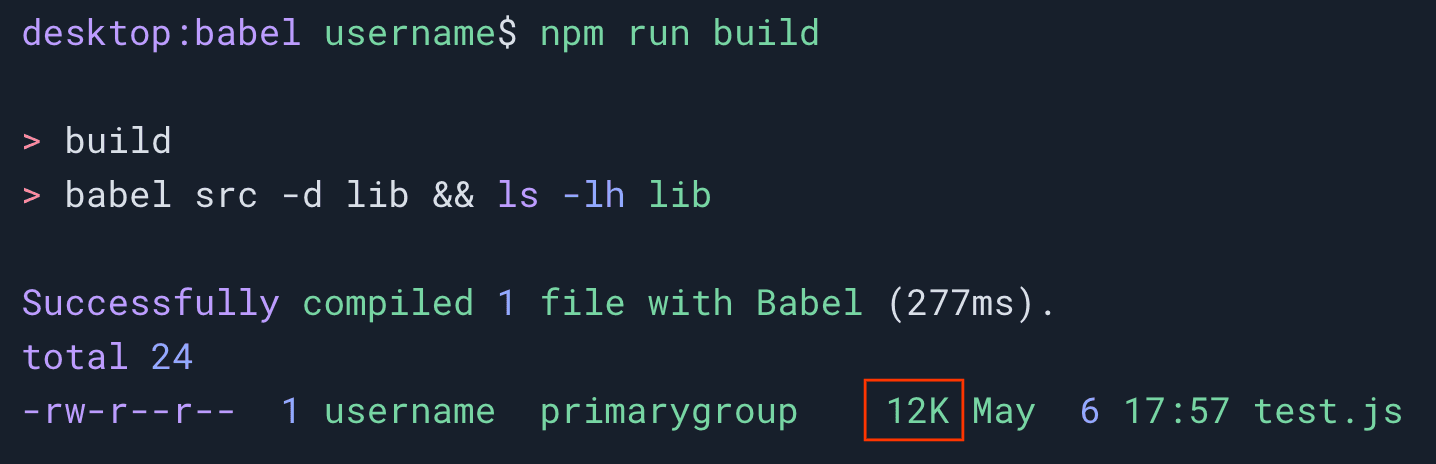
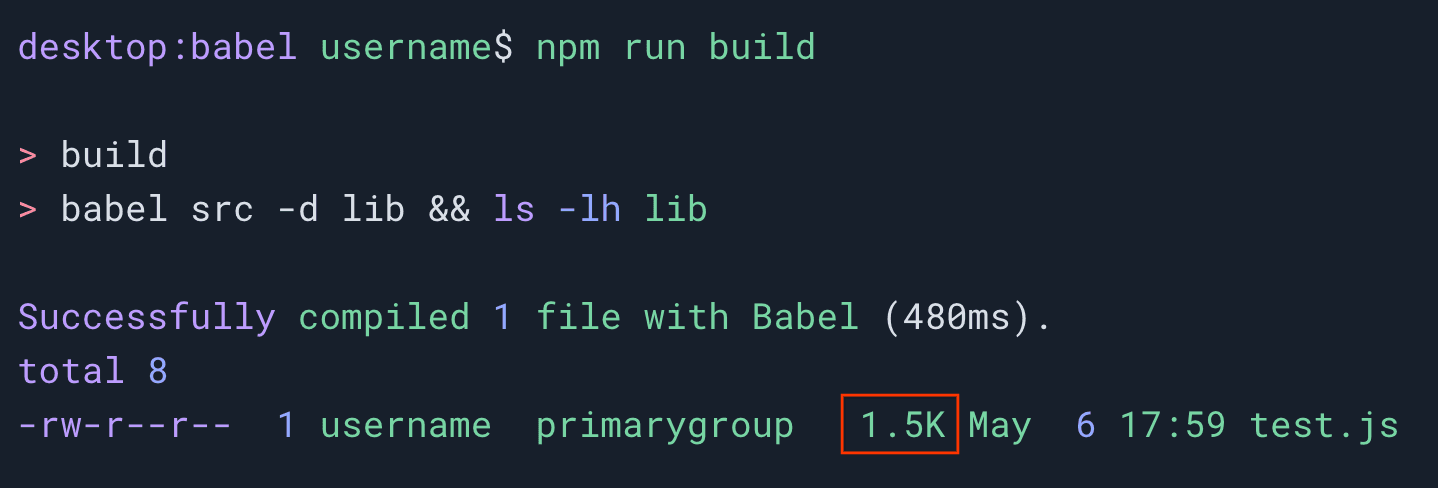
Browserslist is a tool that allows developers to specify the range of browsers their project should support. This configuration informs various tools like Babel, Autoprefixer, PostCSS, ESLint, Stylelint, and webpack, enabling them to adjust their behavior (such as adding polyfills or prefixes) based on the specified browser targets.
To simplify targeting widely supported web features, you can use the browserslist-config-baseline package. This package provides predefined configurations that align with the Web Baseline, allowing you to specify browser support based on Baseline levels.